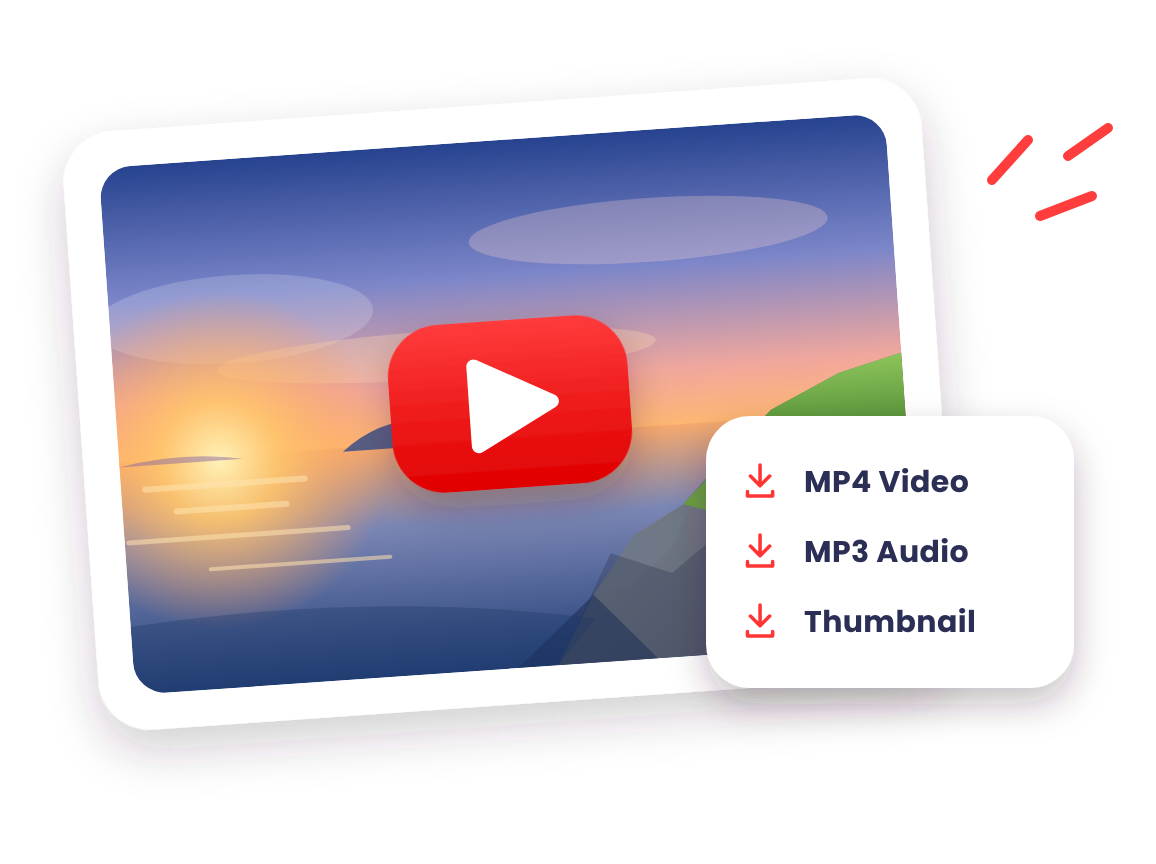
DownMP4 is a fast, free online YouTube video downloader that works right in your browser. Paste the link to any public video to save it as an MP4 video, extract MP3 audio at 128 kbps, or grab a high-resolution thumbnail image. It runs seamlessly on Windows, Mac, Android, and iPhone—with nothing to install. New here? Start with our step-by-step guide on how to download YouTube videos.
How It Works
Just 3 easy steps to save any YouTube video or audio track to your device.
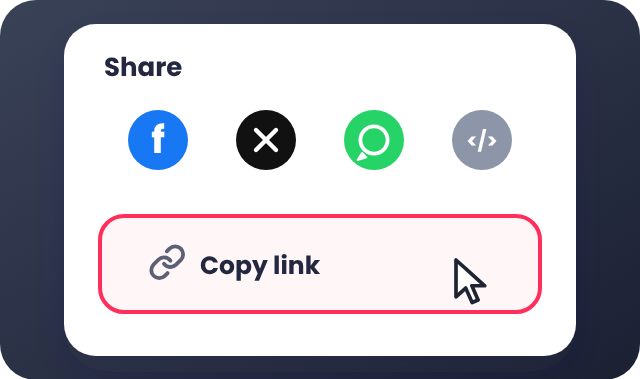
Copy the Link
Copy the YouTube video link from the Share menu or your browser's address bar.
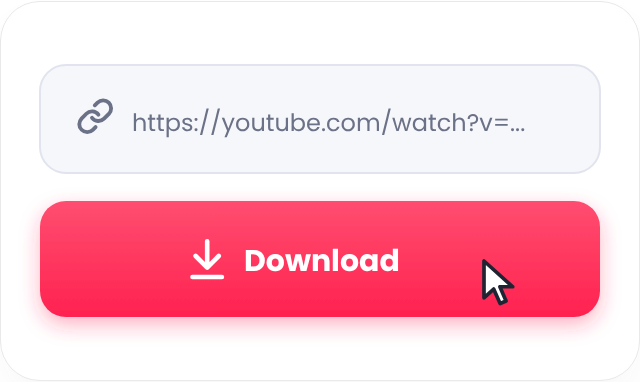
Paste and Download
Paste the link into the box above and press Download.
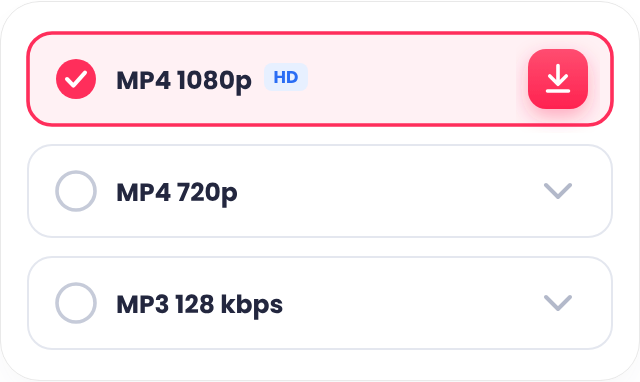
Choose and Save
Pick your preferred format or quality and save the file to your device.
What You Can Save
Choose the format that fits what you need.
MP4 Video
Save YouTube videos with sound in universally compatible MP4 format. Pick from all available qualities for that video, up to its highest uploaded resolution.
MP3 Audio
Save only the audio as an MP3 file at 128 kbps—ideal for offline listening to music, podcasts, and lectures on your phone.
Thumbnail
Save the video's high-resolution cover image in JPG or WebP format.
Which Quality Should You Choose?
Higher resolutions look sharper and clearer on larger screens. Choose the option that fits your device and available storage:
| Quality | Best For |
|---|---|
| 360p | Small screens and saving space — fast downloads with minimal storage used. |
| 480p | Slow connections — smooth standard playback on mobile data or slower Wi-Fi. |
| 720p (HD) | Phones and tablets — crisp HD detail with a balanced file size for everyday watching. |
| 1080p (Full HD) | Laptops, monitors, and TVs — sharp high-definition picture for larger displays. |
| MP3 128 kbps | Audio only — music, podcasts, and spoken content for offline listening anywhere. |
Why Choose DownMP4?
A simple, fast, and reliable YouTube downloader built for everyday use.
Latest Downloads










Frequently Asked Questions
Find quick answers to common questions about DownMP4.
What is DownMP4?
DownMP4 is a free online tool that lets you save public YouTube videos as MP4, MP3, or a thumbnail image. You paste a link, choose a format and quality, and download the file. It runs in your browser, so there is nothing to install and no account to create.
Which YouTube links can I paste?
You can paste the link to any public YouTube video, including Shorts. Copy it from the Share menu or from your browser's address bar.
Why is MP3 only available at 128 kbps?
MP3 files are saved at 128 kbps, a standard bitrate that sounds crisp on phones and everyday headphones while keeping conversions fast and file sizes compact for everyone.
Which devices and browsers are supported?
DownMP4 works in modern browsers on Windows, Mac, Android, and iPhone. See the guide for your device for exact step-by-step instructions.
Is DownMP4 affiliated with YouTube?
No. DownMP4 is an independent service and is not affiliated with or endorsed by YouTube. Only download content you own or have permission to use.
What if something goes wrong?
Check that the link is complete and the video is public, then try again. Our guide lists the most common problems and quick fixes.